
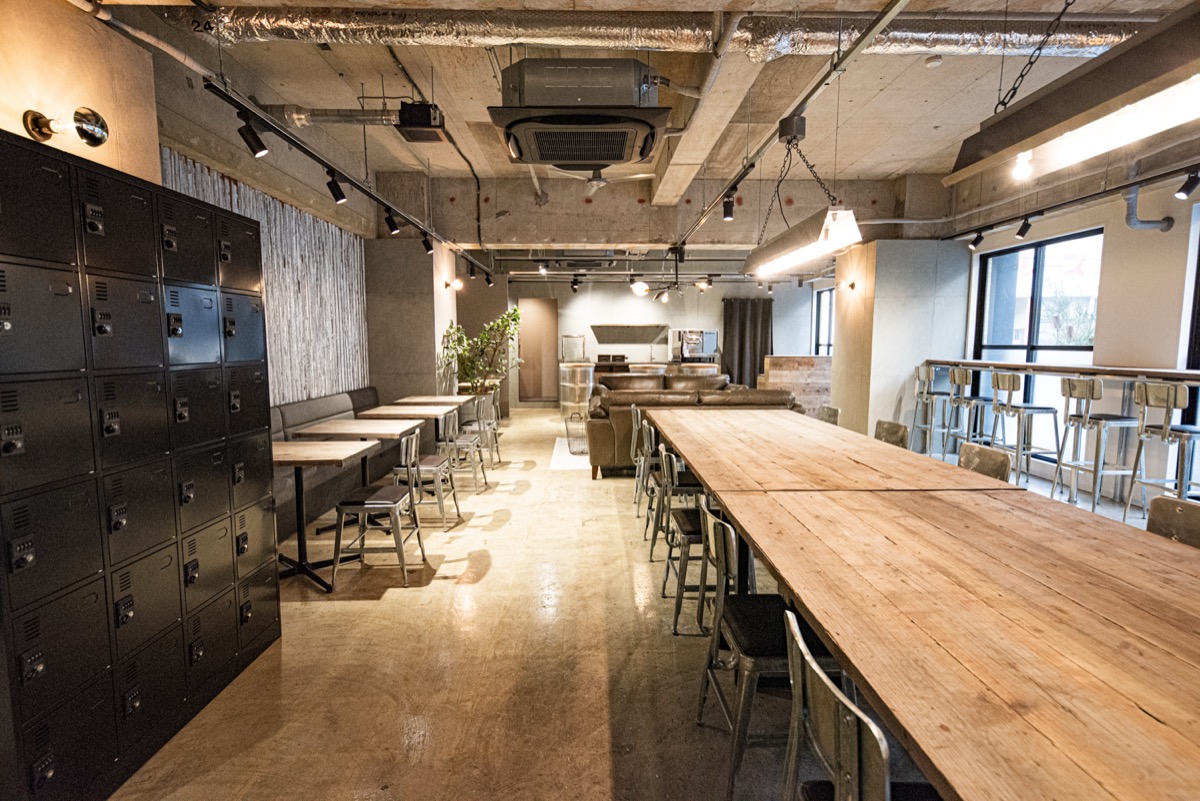
You can now pay using the Square terminal in our cafe. During unstaffed hours, e-money and QR payments are available in addition to the existing credit card payment option.
More ways to pay during unstaffed hours
E-money payments support transport IC cards, iD and QUICPay. For QR payments, choose from the brands shown on the payment screen in the app.
How to pay
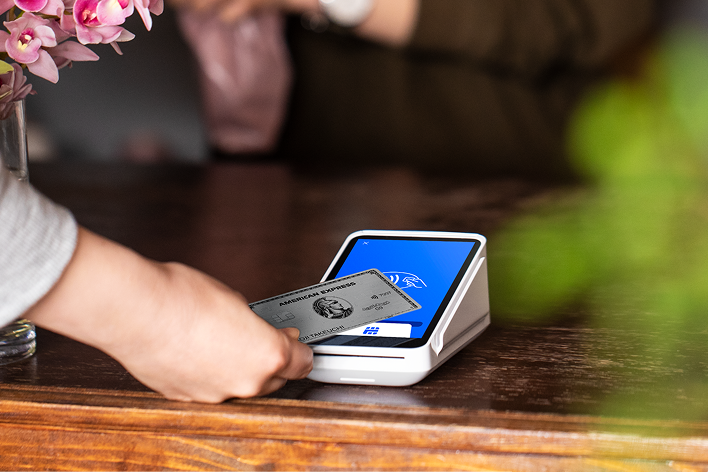
- At checkout, check your usage fee in the app and select a payment method for the in-store terminal.
- For e-money, select the type and tap your card or smartphone on the Square terminal.
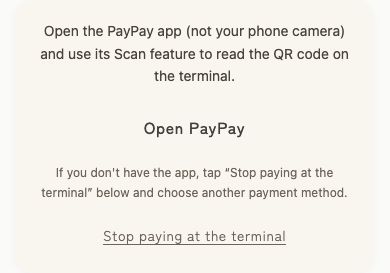
- For QR payments, select the brand and use your payment app’s scan function to read the QR code displayed on the terminal.
- After payment is complete, follow the instructions in the app to leave the cafe.
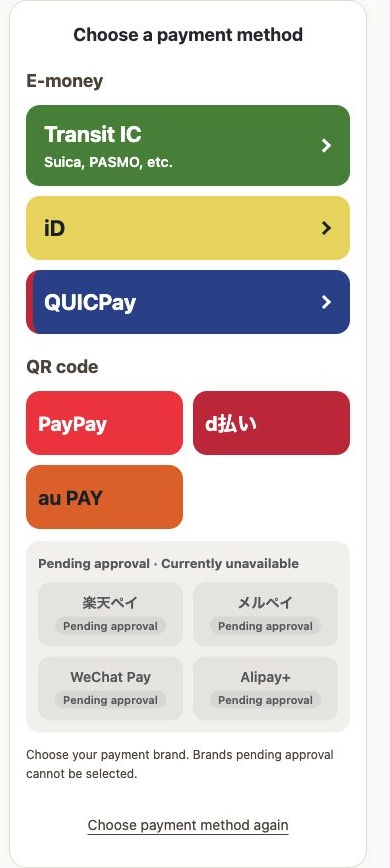
↓ Choose either e-money or QR payment
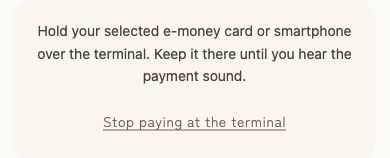
Select your e-money type, then hold your card or smartphone over the Square terminal until you hear the payment sound.
Select your brand, then use Scan in its payment app to read the QR code on the Square terminal.
4. Payment complete → Follow the app instructions to exit
These are example app screens. Check the payment screen for the brands currently available.
Please check the app’s payment screen for available payment methods. You can complete payment yourself even when staff are not present.
See our pricing and system page for current fees and our visitor guide for check-in and checkout information.